
Before you start, you need:
- A Canva account in your own email (free at canva.com)
Steps
- 1
Order with the email of your Canva account. We upgrade it to Pro and tell you on WhatsApp.
- 2
If Canva emails you an invitation, open it and click Accept.
- 3
Refresh Canva, or sign out and back in. Crown (Pro) templates and Magic Studio tools are now unlocked.
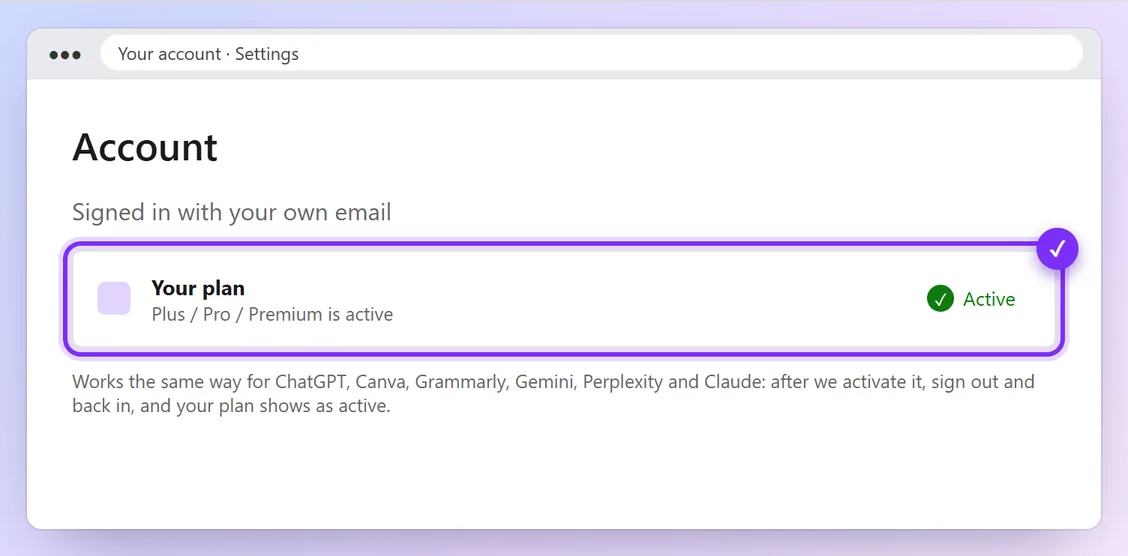
Illustration · numbers show what to click, in order · tap to enlarge
You're done when:
Your Canva account settings show Canva Pro, and crown templates open without a “Pro” lock.
Problems and quick fixes
- Pro features still locked
- Sign out of Canva on all devices and sign back in. Still locked? Message us.
Official help: Canva Pro (Canva)