Before you start, you need:
- Most AI tools: an account in your own email (free to create)
- Grammarly: nothing, we send you the login
Gemini, Perplexity, Claude and other AI tools (on your own account)
- 1
Order with the email of your account for that tool. For “More AI subscriptions”, we confirm the price on WhatsApp first.
- 2
We activate the plan on your account and tell you on WhatsApp. If the tool emails you an invitation, accept it.
- 3
Sign out and sign back in on the website or app. Your plan now shows as active in your account settings.
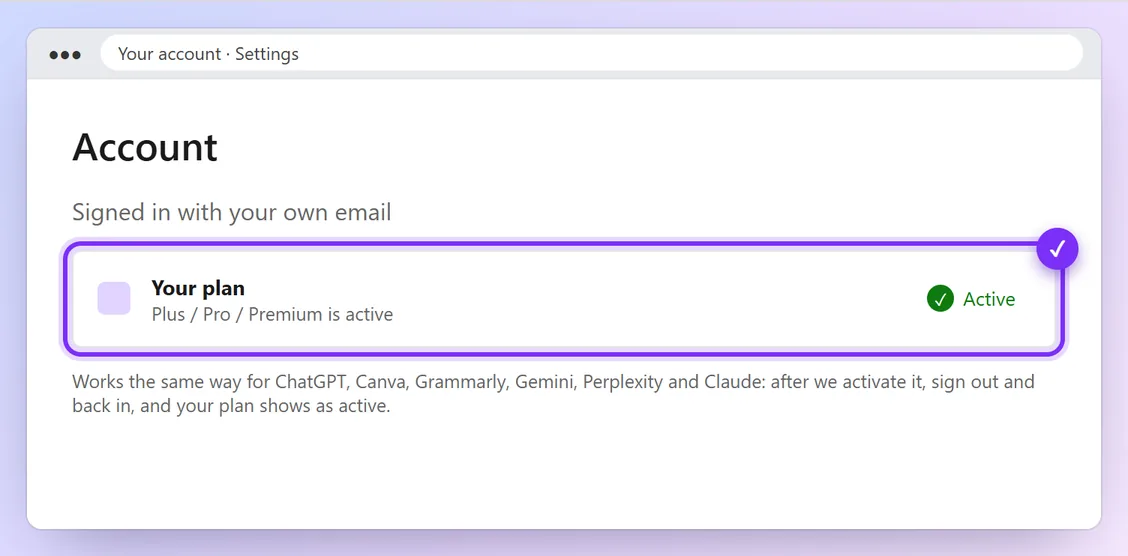
Illustration · numbers show what to click, in order · tap to enlarge
Grammarly Pro (login from us)
- 1
We send you the Grammarly login (email and password) on WhatsApp.
- 2
Sign in at grammarly.com, or in the Grammarly app, browser extension or phone keyboard. Use it on 1 device only.
- 3
Please don't change the account's email or password.
You're done when:
Your account settings show the paid plan (for example Gemini AI Pro or Grammarly Pro) as active.
Problems and quick fixes
- Still shows the free plan
- Sign out on every device and sign back in. If it still shows free after 10 minutes, message us.